A website that looks good on the surface can still be quietly bleeding traffic because of issues you cannot see with the naked eye. Broken internal links, slow page speeds, duplicate meta tags, orphaned pages, incorrect canonical tags — these are the kinds of errors that SEO audit tools surface in minutes and that cost businesses rankings every single day they go unfixed.
The challenge is that there are dozens of audit tools on the market and they do not all work the same way. Some crawl deeper. Some explain errors more clearly. Some integrate with tools you already use. Some are free. And some cost hundreds of dollars a month for features you may never touch.
This comparison cuts through all of it. You will get a clear breakdown of the top SEO audit tools, what each one actually finds, how they compare side by side, and which one fits your situation — whether you are a small business owner doing your first audit or a seasoned marketer running enterprise-scale campaigns.
If you are new to what audits involve, it helps to start with a solid understanding of how search optimization works before diving into the tooling.
What Does an SEO Audit Tool Actually Do?
An SEO audit tool crawls your website — page by page, link by link — the same way Google’s bots do. It logs everything it finds and then organises those findings into actionable error reports. The goal is to surface every technical, on-page, and structural issue that might be preventing your site from ranking as well as it should.
What a Good SEO Audit Tool Checks
- Crawlability — can search engines access and index your pages correctly
- Page speed and Core Web Vitals — load time, interactivity, and visual stability
- Broken links — internal and external links returning 404 or other errors
- Duplicate content — identical or near-identical pages confusing search engines
- Meta tags — missing, duplicate, or over-length titles and descriptions
- Heading structure — proper H1 through H6 hierarchy across all pages
- Image optimisation — missing alt text, oversized files slowing page load
- Redirect issues — chains, loops, and unnecessary redirects
- Schema markup — structured data errors preventing rich result eligibility
- Canonical tags — incorrect or missing canonicals causing indexation problems
Top SEO Audit Tools Compared: 2026
Here are the leading SEO audit tools used by professionals, agencies, and small businesses — each evaluated on what it finds, how it presents results, and who it is best suited for.
1. Semrush Site Audit
Semrush Site Audit is the most comprehensive audit tool available inside an all-in-one SEO platform. It crawls your site on a schedule you set, categorises errors by severity, and provides clear fix recommendations alongside each issue. For businesses already using Semrush for keyword research and competitor analysis, the audit tool is a natural extension of the same workflow.
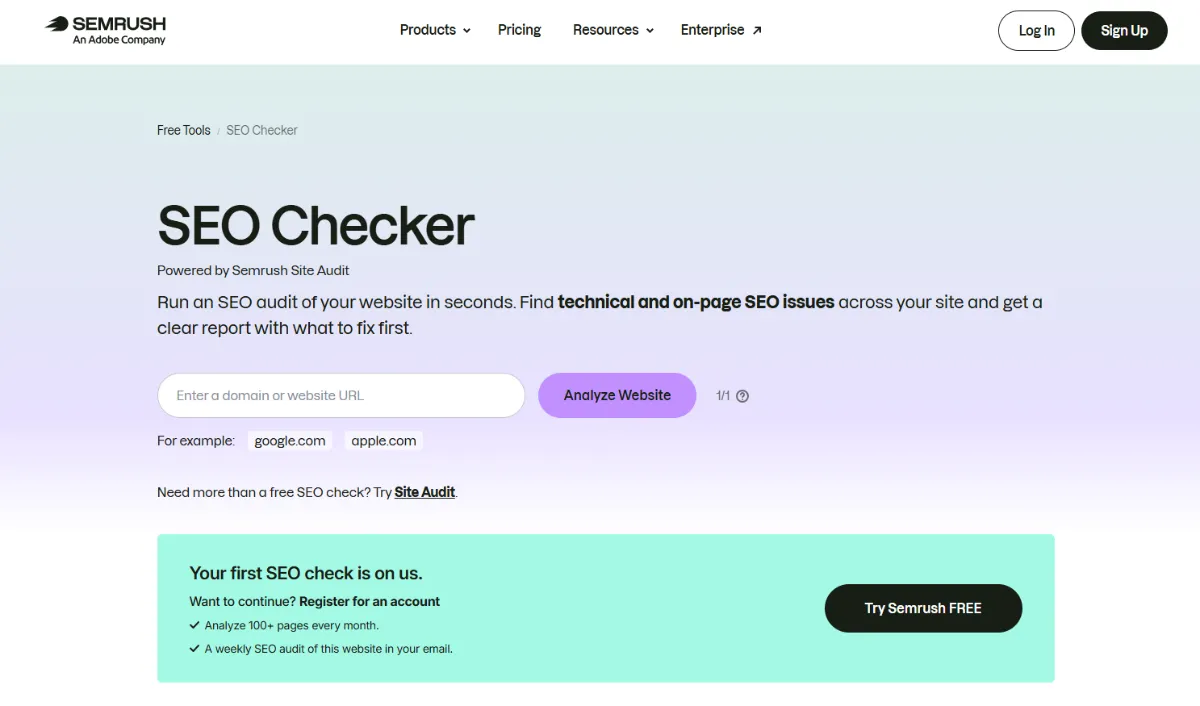
- Crawls up to 100,000 pages per month on entry-level plans
- Over 130 technical checks across crawlability, performance, and on-page factors
- Scheduled automatic audits with email alerts for new critical errors
- Thematic reports on Core Web Vitals, HTTPS, internal linking, and more
- Progress tracking so you can see your site health score improve over time
- Integrates directly with Google Search Console and Google Analytics
Best for: Businesses wanting audit capability inside a full SEO suite.
Pricing: Included in Semrush plans from ~$117/month. Limited free audit available.
2. Ahrefs Site Audit
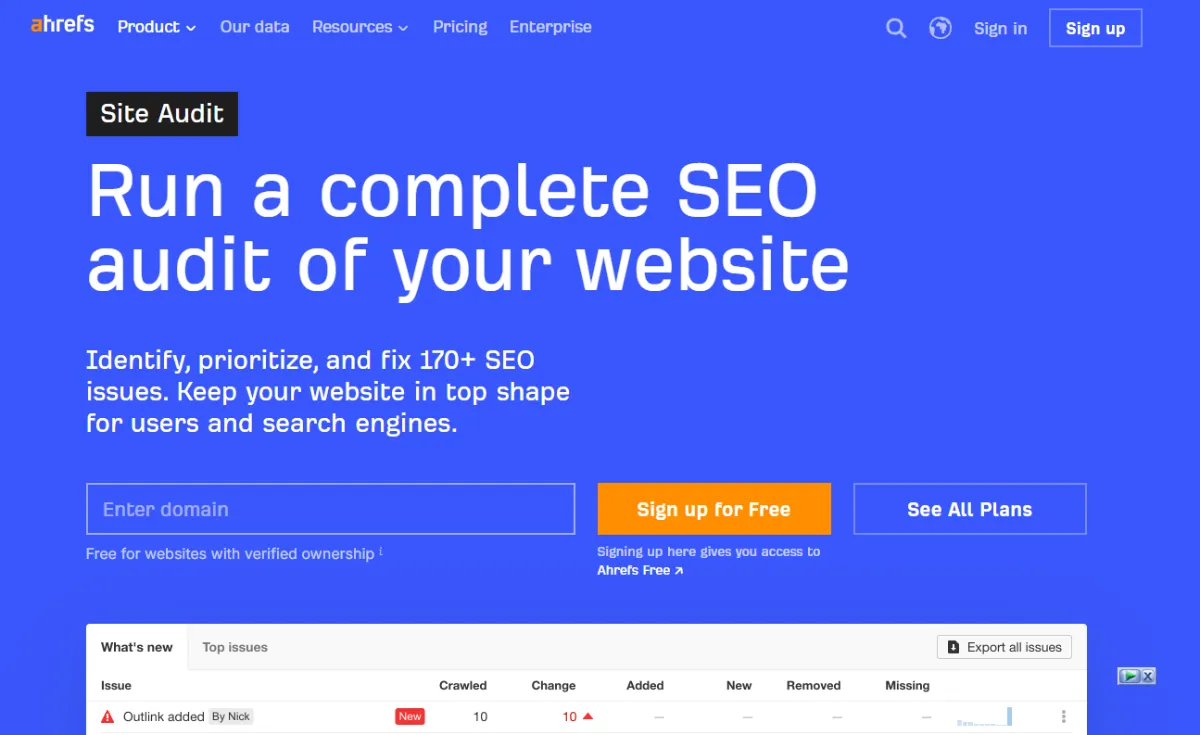
Ahrefs Site Audit is widely regarded as one of the most accurate and thorough audit crawlers available. It checks over 100 technical SEO issues, displays results in a clean visual dashboard, and gives you a clear health score with prioritised error lists. Its crawl speed is among the fastest in the market, making it the preferred choice for large sites and agencies managing multiple client domains.
- Crawls JavaScript-rendered pages accurately — critical for modern CMS and SPA sites
- Visual site structure maps that show internal link distribution at a glance
- Page Explorer lets you filter and segment any subset of your pages
- Automatic re-crawl scheduling with comparison reports showing what changed
- Data export in CSV for custom analysis and client reporting
- Free via Ahrefs Webmaster Tools for your own verified sites
Best for: Agencies, technical SEOs, and sites with JavaScript-heavy builds.
Pricing: Free for verified sites via Ahrefs Webmaster Tools. Full access from ~$99/month.
3. Screaming Frog SEO Spider
Screaming Frog is the industry standard desktop crawl tool and has been for over a decade. It runs locally on your computer rather than in the cloud, which means it can crawl your site as fast as your connection and server allow. Its depth of data is unmatched — every element of every page is logged, filterable, and exportable. For technical SEOs who want raw crawl data rather than pre-packaged reports, nothing comes close.
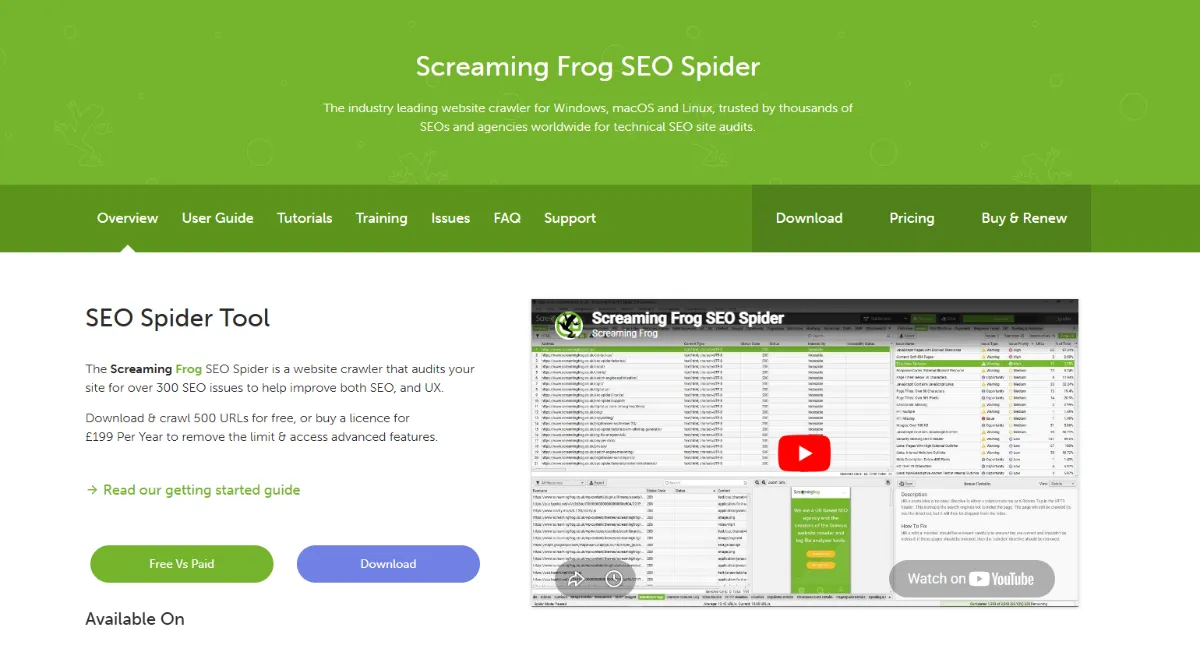
- Crawls any site type including JavaScript, AJAX, and password-protected pages
- Integrates with Google Analytics, Search Console, and PageSpeed Insights APIs
- Customisable extraction using XPath, CSS selectors, and regex
- Visualise site architecture and internal link structure as diagrams
- Bulk export of all crawl data to Excel or Google Sheets for analysis
- Free version crawls up to 500 URLs — enough for most small business sites
Best for: Technical SEOs, developers, and agencies needing raw crawl data.
Pricing: Free up to 500 URLs. Paid licence ~$235/year for unlimited crawls.
4. Google Search Console
Google Search Console is not a traditional audit tool, but it belongs in every audit workflow because it is the only source of data that comes directly from Google. It tells you exactly which pages Google has indexed, which it cannot access, which have manual penalties, and how your pages perform in actual search results. No third-party tool can replicate this first-party accuracy.
- Coverage report shows every indexation error with the specific reason for each
- Core Web Vitals report flags poor and failing pages with improvement guidance
- Mobile usability report identifies pages with mobile rendering problems
- Manual actions report alerts you to any Google penalties on your site
- URL Inspection tool lets you test any individual page’s indexability in real time
- Completely free with no crawl limits
Best for: Every website — non-negotiable baseline for any audit process.
Pricing: Free.
5. Sitebulb
Sitebulb is a desktop audit tool that sits between Screaming Frog’s raw power and Semrush’s polished reporting. It combines deep technical crawling with visually rich reports that are significantly easier to interpret than raw CSV exports. Its Hints system prioritises every issue by opportunity and severity, making it particularly useful for SEOs who need to explain audit findings clearly to non-technical clients or stakeholders.
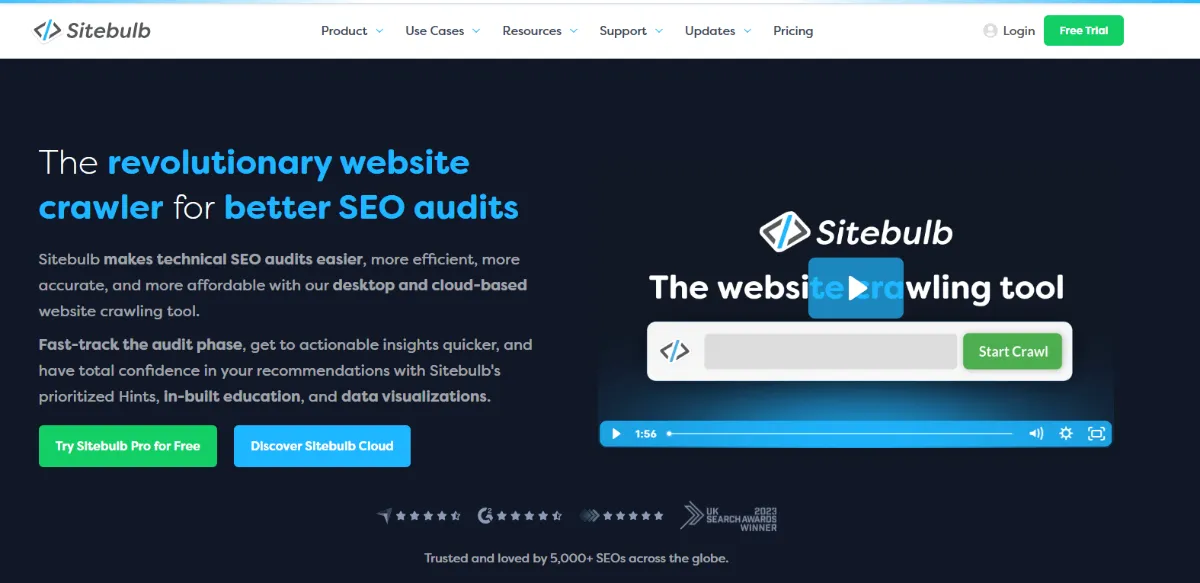
- Opportunity-scored Hints system that ranks issues by ranking impact potential
- Visual crawl maps showing site depth, internal linking, and orphaned pages
- Lighthouse integration for accurate Core Web Vitals scores
- Structured data validator with rich result eligibility checking
- Side-by-side audit comparison to track progress between crawls
- White-label PDF reports suitable for client delivery
Best for: SEO consultants and agencies needing client-ready reporting.
Pricing: From ~$13.50/month (desktop) or ~$200/month (cloud version).
6. SE Ranking Site Audit
SE Ranking offers one of the most affordable full-featured audit tools available. It covers all the core technical checks, presents results in a clean dashboard with a site health score, and schedules automatic re-crawls to keep your monitoring continuous. For small businesses and startups who need proper audit capability without Semrush or Ahrefs pricing, SE Ranking delivers strong value.
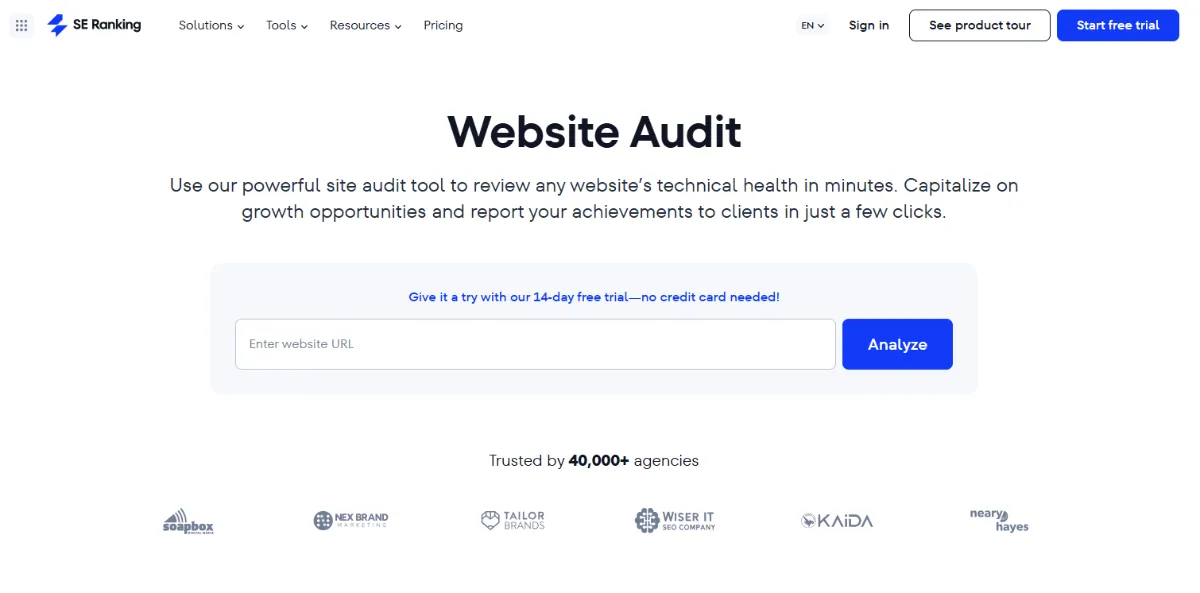
- Checks over 70 technical parameters across all major SEO categories
- Site health score with trend tracking over time
- Broken link detection with one-click filter to page location
- Automated audit scheduling with email reports
- Content and meta tag audit alongside technical checks
Best for: Budget-conscious small businesses needing reliable automated auditing.
Pricing: From ~$44/month.
SEO Audit Tools: Side-by-Side Comparison
Use this table to match the right audit tool to your situation at a glance:
| Tool | Best For | Crawl Depth | Free Option | Ease of Use | Price From |
|---|---|---|---|---|---|
| Semrush Site Audit | All-in-one SEO users | Deep — 130+ checks | Limited free | Easy | ~$117/mo |
| Ahrefs Site Audit | Agencies, JS-heavy sites | Very deep — JS rendering | Yes — verified sites | Moderate | ~$99/mo |
| Screaming Frog | Technical SEOs, developers | Deepest — raw data | Yes — 500 URLs | Advanced | ~$235/yr |
| Google Search Console | Every website — baseline | Google’s own data | Yes — fully free | Easy | Free |
| Sitebulb | Consultants, client reporting | Deep — visual reports | 7-day trial | Moderate | ~$13.50/mo |
| SE Ranking | Small businesses, startups | Good — 70+ checks | 14-day trial | Easy | ~$44/mo |
Which SEO Audit Tool Should You Choose?
The right tool is not the most powerful one — it is the one that matches your actual situation. Here is how to decide quickly.
You Are a Small Business Owner Doing Your First Audit
Start with Google Search Console (free) and Screaming Frog’s free version. These two tools together will surface the most common technical issues on any small business site without costing you anything. Once you understand what you are looking at, SE Ranking or Ubersuggest give you a clean upgrade path at an affordable price.
You Run an Agency Managing Multiple Client Sites
You need either Semrush Site Audit or Sitebulb. Semrush keeps everything in one platform. Sitebulb produces the best client-ready PDF reports in the market. Many agencies use both — Sitebulb for initial audits and Semrush for ongoing monitoring. Check Backlinko’s breakdown of top free SEO tools for a useful comparison of entry-level options before committing to agency pricing.
You Have a Large or JavaScript-Heavy Site
Use Ahrefs Site Audit. Its JavaScript rendering capability is more accurate than most competitors, and its crawl speed handles large sites without the timeout issues that affect some cloud-based tools. Pair it with Screaming Frog for detailed page-level analysis when you need to go deeper on specific sections.
You Want One Tool That Does Everything
Choose Semrush. It combines site auditing with keyword research, rank tracking, competitor analysis, and backlink monitoring — all in one dashboard. The audit tool alone justifies a significant portion of the subscription cost when you factor in how much time it saves. Learn more about how SEO marketing tools work together as a complete stack.
How to Run an SEO Audit: A Practical Workflow
Having the right tool is only step one. Here is a clear, repeatable process for turning an audit into actual ranking improvements — regardless of which tool you use.
Step-by-Step Audit Workflow
- Step 1: Crawl your site — run your chosen audit tool across the full domain. Start with Google Search Console’s Coverage report while the crawl runs.
- Step 2: Triage by severity — separate errors (broken, blocking) from warnings (suboptimal) from notices (minor). Fix errors first, always.
- Step 3: Fix crawlability issues — resolve anything blocking Google from accessing or indexing your pages. This is your highest-priority category.
- Step 4: Fix broken links — update or redirect every internal 404. Check external links pointing to important pages too.
- Step 5: Audit meta tags — fix missing, duplicate, or over-length titles and descriptions across every page.
- Step 6: Address page speed — use Google’s PageSpeed Insights alongside your audit tool for specific improvement recommendations.
- Step 7: Fix duplicate content — implement correct canonical tags, consolidate thin pages, or redirect duplicates to the primary version.
- Step 8: Re-crawl and verify — run a second crawl after fixing issues to confirm they are resolved and your health score has improved.
Common SEO Audit Mistakes That Waste Your Time
Most businesses running their first few audits make the same avoidable mistakes. These are the ones that matter most.
- Treating every warning as urgent. Audit tools flag hundreds of issues. Not all of them affect rankings meaningfully. Focus on critical errors first.
- Auditing once and never again. New pages get added, plugins break things, and sites change. Monthly audits catch new problems before they compound.
- Fixing issues without tracking what changed. If you do not record your site health score before fixing, you cannot demonstrate improvement. Screenshot your dashboard before you start.
- Ignoring Google Search Console in favour of third-party tools only. Third-party crawlers simulate how Google sees your site. Search Console shows you how Google actually sees it. Use both.
- Auditing without connecting to a broader SEO strategy. A technical audit improves the foundation. You still need strong SEO strategies built on top of it to drive traffic growth.
Free vs Paid SEO Audit Tools: What You Gain at Each Level
| Capability | Free Tools | Paid Tools |
|---|---|---|
| Crawl depth | Limited (500 URLs or sample data) | Unlimited or very high limits |
| JavaScript rendering | Partial or none | Full JS rendering (Ahrefs, Screaming Frog paid) |
| Scheduled auto-crawls | Not available | Daily, weekly, or monthly scheduling |
| Error prioritisation | Basic categorisation | Impact-scored with fix recommendations |
| Progress tracking | Manual comparison | Automated health score trending |
| Client reporting | Manual exports only | White-label PDF and dashboard reports |
| Integration with GSC and GA | Search Console only (GSC itself) | Full API integration across platforms |
For a complete picture of how audit tools fit into your broader toolset, the guide to the best SEO tools for small businesses covers every category from keyword research to rank tracking alongside technical auditing.
Final Verdict: The Best SEO Audit Tool for Your Situation
There is no single winner that beats every other tool in every situation. But the decision is simpler than it looks once you match the tool to the job.
Start every audit with Google Search Console — it is free, it comes from Google directly, and it catches the issues that matter most for indexation. Add Screaming Frog’s free version for a deep page-level crawl on sites under 500 pages. If you need more — scheduled audits, deeper analysis, client reporting — move to Semrush for the all-in-one approach, Ahrefs for technical depth, or Sitebulb for the best client-ready output.
Whatever tool you choose, the value comes from acting on what it finds. Run your first audit this week. Fix the critical errors. Recheck in 30 days. That cycle of auditing, fixing, and re-auditing is how technical SEO actually compounds into ranking improvements over time.
Need a clearer picture of why SEO matters for your business before investing in audit tools? Or ready to explore professional SEO optimization services that handle auditing as part of a managed strategy? Both are worth reading before your next step.
Frequently Asked Questions
What is an SEO audit tool?
An SEO audit tool crawls your website and identifies technical issues — broken links, slow pages, missing meta tags, crawl errors, duplicate content — that prevent search engines from ranking your pages effectively. It produces a prioritised report of problems and recommendations so you know exactly what to fix first.
Which SEO audit tool is best for beginners?
Google Search Console is the best free starting point — it is simple, accurate, and comes directly from Google. For a paid option, SE Ranking and Semrush both present audit findings in plain language with clear fix guidance, making them the most accessible choices for users without a technical SEO background.
How often should I run an SEO audit?
Run a full technical audit at least once a month. Set up automated scheduling in your chosen tool so new errors are flagged the moment they appear rather than going undetected for weeks. For larger or frequently updated sites, weekly automated crawls are the better standard.
Is Screaming Frog better than Semrush for auditing?
They serve different purposes. Screaming Frog gives you the deepest, most customisable raw crawl data — preferred by technical SEOs and developers. Semrush presents audit findings in a cleaner dashboard with scheduled monitoring, progress tracking, and integration with keyword and competitor data. Most serious SEO teams use both.
Can I run a free SEO audit on my website?
Yes. Google Search Console is completely free and gives you Google’s own indexation and performance data. Screaming Frog’s free version crawls up to 500 URLs with full technical detail. Ahrefs Webmaster Tools provides free site auditing for verified domains. Together these three free tools cover the most important technical audit checks for any small business website.