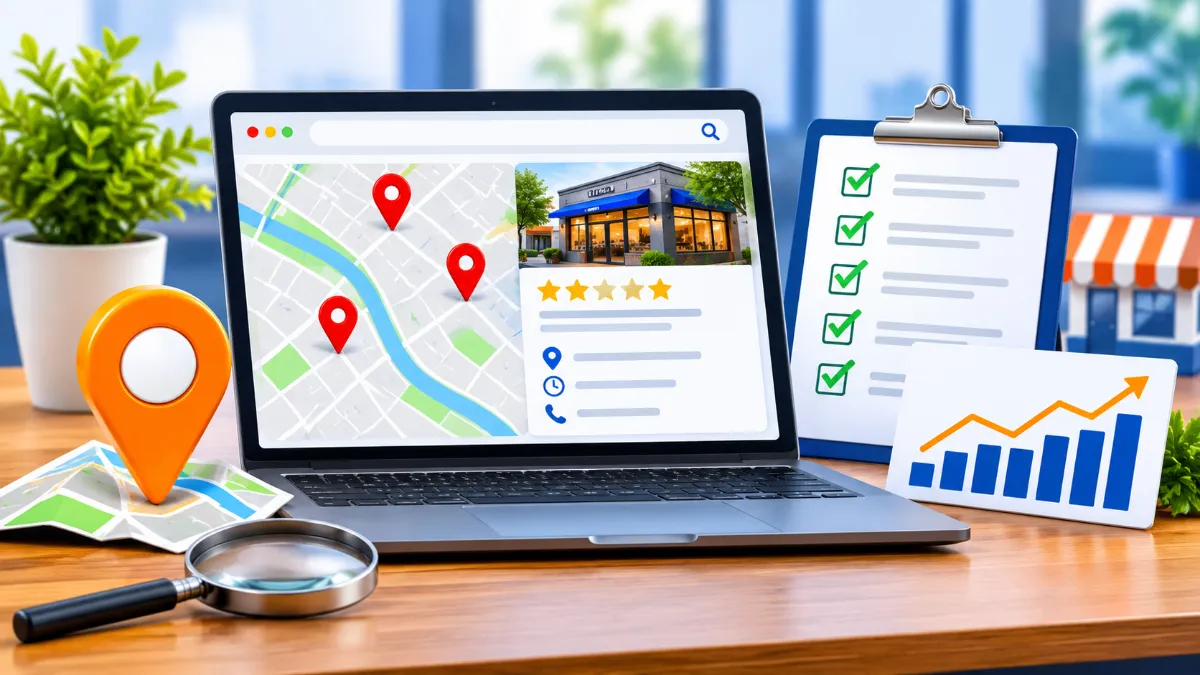
A business can have a good website and still struggle to appear when nearby customers search for its services. The problem may be an incomplete Google Business Profile, weak location pages, inconsistent contact details, poor review management, or competitors with stronger local signals.
A local SEO audit helps you find those gaps before spending more money on content or advertising. It gives you a practical picture of how search engines and potential customers encounter your business in a specific service area.
This guide explains how to audit your local presence step by step, which tools to use, what to fix first, and how to measure whether your work is producing better local visibility.
Table of Contents
- What Is a Local SEO Audit?
- The Local Ranking Factors to Audit
- Audit Your Google Business Profile
- Audit Your Website for Local SEO
- Check Local Citations and Business Information
- Review Your Reputation and Review Process
- Analyze Local Competitors
- Check Technical SEO and Local Structured Data
- Local SEO Audit Tools
- Prioritize Findings and Build an Action Plan
- Common Local SEO Audit Mistakes
- Conclusion: Turn the Audit into Action
- Frequently Asked Questions
What Is a Local SEO Audit?
A local SEO audit is a structured review of the factors that affect how a business appears in geographically relevant searches. These include Google Maps results, the local results shown in Google Search, and standard organic listings for location-based queries.
For example, a search for “emergency plumber near me” has a different intent from “how does pipe repair work?” The first search suggests that the person needs a nearby provider. Your audit should therefore evaluate both your business profile and the website pages that help Google understand what you offer and where you operate.
A useful audit looks beyond rankings. It checks whether customers can find the right phone number, understand your services, confirm your opening hours, read credible reviews, and contact you without friction.
What should a local SEO audit cover?
- Google Business Profile accuracy, completeness, categories, hours, photos, and service details.
- Local keyword rankings and visibility across relevant service areas.
- Website location pages, service pages, titles, headings, and internal links.
- Business name, address, and phone number consistency across important directories.
- Review quality, recency, owner responses, and customer feedback patterns.
- Local competitors, backlinks, community mentions, and other prominence signals.
- Mobile usability, indexability, page speed, and structured data.
- Leads and conversions from calls, forms, bookings, and direction requests.
The result should be a prioritized list of issues, not a long spreadsheet of warnings with no clear next step.
The Local Ranking Factors to Audit
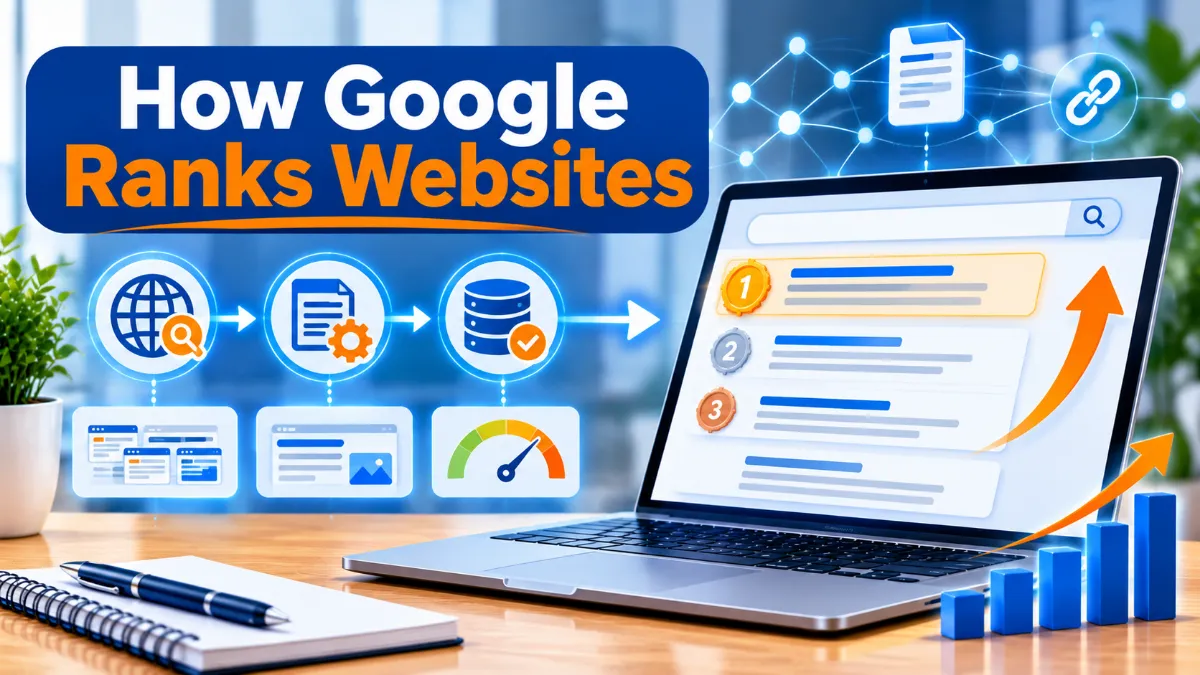
Google explains that local results are mainly based on relevance, distance, and prominence. These three factors provide a useful structure for your audit. Google does not publish a complete ranking formula, so avoid treating any third-party checklist as a guaranteed ranking recipe.
| Factor | What it means | What to review |
|---|---|---|
| Relevance | How closely a business profile matches a search. | Primary category, services, business description, website content, and search intent. |
| Distance | How far the business is from the searcher or the location used in the search. | Real business location, accurate map pin, service area, and realistic geographic coverage. |
| Prominence | How well-known or established the business appears to be. | Reviews, links, local mentions, reputation, and broader online presence. |
Distance is not a setting you can optimize away. A business cannot legitimately claim a false address or create fake locations to appear closer to more searchers. Your practical opportunity is to improve relevance and prominence while representing your actual service area accurately.
Audit Your Google Business Profile
For many local businesses, the Google Business Profile is one of the most important assets to review. It can appear in Google Search and Maps and may be the first place a customer sees your hours, phone number, reviews, photos, and directions.
1. Confirm ownership and verification
Check that the correct business owner or authorized manager controls the profile. Confirm that the profile is verified and that former employees or agencies no longer have unnecessary access. Keep recovery details current and use individual account access rather than sharing one password.
2. Check the business name, address, and phone
Compare the profile with the business’s real-world identity. The name should match the name used on signage and other business materials. The address should be the actual eligible location, and the map pin should point to the correct entrance or building.
Use a phone number that connects customers to the business or the specific location. Test it on a mobile device. Check that the website URL leads to the most relevant page, not an unrelated homepage or redirect.
3. Review categories and services
Your primary category should describe the business’s main activity as accurately as possible. Add relevant additional categories only when they genuinely describe services the business provides. Categories are not a place to add a list of keywords.
Review the services or products shown in the profile. Remove outdated offerings and make sure descriptions match the website and what staff can actually deliver.
4. Verify hours and attributes
Check normal opening hours, holiday hours, and temporary changes. A profile that says “open” when the business is closed can frustrate customers and lead to missed enquiries. Add relevant attributes where available, such as accessibility or payment options, and verify each one.
5. Review photos, posts, and profile completeness
Use genuine, current photos of the storefront, team, products, work, or premises. Avoid stock images that misrepresent the business. Replace outdated images when the location, branding, or services change.
Review available profile features and keep useful information current. Do not add updates just to create activity. A clear service update or seasonal-hours notice is more useful than repetitive promotional posts.
Google Business Profile audit checklist
- Profile is verified and controlled by an authorized business representative.
- Business name follows the real-world name and Google guidelines.
- Address, map pin, phone number, and website URL are correct.
- Primary and additional categories accurately describe the business.
- Services, products, attributes, and business description are current.
- Opening hours and special hours are accurate.
- Photos represent the actual business and are not misleading.
- Reviews are monitored and receive thoughtful, professional responses.
Google’s official local ranking guidance explains relevance, distance, and prominence. Its Business Profile representation guidelines explain how to represent names, addresses, and service areas accurately.
Audit Your Website for Local SEO
Your website should reinforce what your Business Profile says. It should make your services, locations, expertise, and contact options easy for both search engines and customers to understand.
1. Check the homepage and core service pages
Make sure the homepage clearly identifies the business and its main offering. Important service pages should explain what the service includes, who it helps, and where it is available when location is genuinely relevant.
A roofing company serving several towns, for example, should have a strong roofing service page and useful location information. It should not create dozens of near-identical pages that simply swap one town name for another.
2. Review titles, headings, and page intent
Write a unique title tag and clear H1 for each important page. Include a location when it helps describe the page naturally, such as “Residential Electrician in Bristol” rather than repeating a city phrase in every heading.
Check whether each page answers the searcher’s actual question. A page targeting “commercial cleaning services in Leeds” should explain commercial cleaning, the types of premises served, service arrangements, and how to request a quote.
3. Evaluate location pages for usefulness
Location pages are appropriate when a business genuinely serves multiple areas or has separate physical branches. Each page should contain useful, location-specific information rather than a generic paragraph with a different city name.
A useful location page can include
- The services genuinely available in that location.
- Relevant local contact details or branch information.
- Areas served, explained accurately.
- Local project examples, testimonials, or case studies when permission and evidence exist.
- Practical information such as parking, appointment arrangements, or delivery coverage.
- A clear call to action, such as calling, booking, or requesting an estimate.
Do not claim to have a staffed office in a town where you only travel to customers. For service-area businesses, explain the coverage honestly and follow the correct Business Profile setup.
4. Check internal links and contact paths
Link related service pages to relevant location pages and vice versa where it helps visitors. Make sure the contact page is easy to reach and that phone numbers are clickable on mobile. Test enquiry forms from start to finish, including confirmation messages and email delivery.
5. Review local content and trust signals
Useful local content might answer questions about permits, seasonal demand, service availability, local project requirements, or common customer problems. Avoid publishing thin articles that mention a city without adding local knowledge.
Show real credentials, staff expertise, project examples, warranties, and business details where relevant. Make claims that you can substantiate. These elements help visitors evaluate the business, even though no single item guarantees a search ranking.
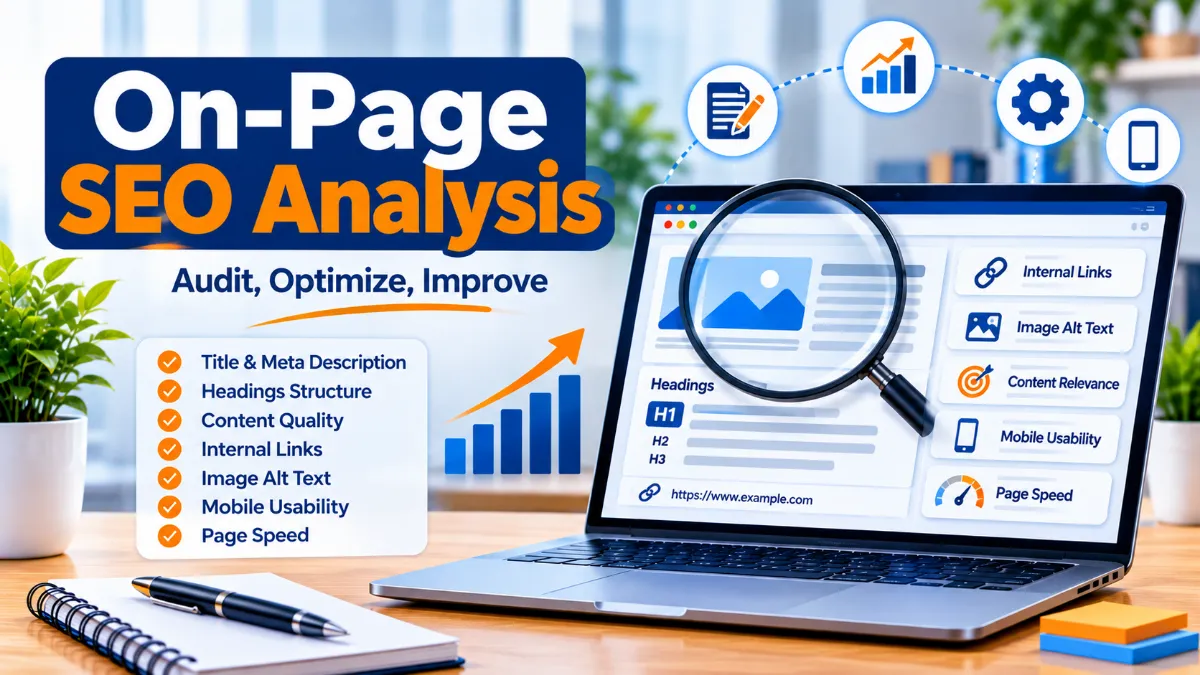
For a broader review of your site’s search performance, connect this work to a complete SEO analysis and an organized SEO strategy.
Check Local Citations and Business Information
A local citation is an online mention of a business’s details, commonly its name, address, and phone number. Citations may appear in business directories, industry associations, local chambers of commerce, booking platforms, and relevant community websites.
Start with the sources customers are most likely to use and the directories that matter in your country or industry. A restaurant, medical practice, trades business, and professional firm may rely on different directory ecosystems.
1. Build a business information reference sheet
Record the approved business name, address format, main phone number, website URL, opening hours, and service area. Use this as the source of truth when reviewing external listings.
2. Find important listings
Search the business name, phone number, and address in Google. Review major general directories, trusted local directories, relevant industry sites, and social profiles. Note duplicate, outdated, incomplete, or incorrect listings.
3. Correct errors in priority order
Fix high-visibility and high-trust sources first. Claim listings where appropriate, update information with the publisher, and document requests that are still pending. Do not create duplicate listings just because an existing one is difficult to edit.
| Issue | Example | Recommended action |
|---|---|---|
| Old phone number | A directory sends callers to a disconnected line. | Update the listing and test the replacement number. |
| Former address | A business moved but old listings remain. | Update the address and review map pins and duplicate profiles. |
| Name variation | Listings use inconsistent trading names. | Use the real-world business name consistently. |
| Duplicate entry | Two pages represent the same branch. | Follow the directory’s merge or removal process. |
Consistency is a practical data-quality goal, not a reason to force every platform into an identical format when its fields differ. Keep the underlying facts accurate and avoid mass submissions to low-quality directories.
Review Your Reputation and Review Process
Reviews influence how customers judge a business and are one of the prominence signals Google identifies in its local ranking explanation. An audit should assess the quality and management of the review process, not simply count stars.
Measure review health
Record the number of reviews, average rating, dates of recent reviews, and the themes customers mention. Compare these patterns with the business’s own history and, where useful, with a small set of genuine local competitors.
Look for recurring feedback about response time, pricing clarity, staff communication, product quality, scheduling, or after-sales support. These comments can reveal operational problems that marketing changes alone will not solve.
Make review requests part of normal service
Ask real customers for honest feedback after a completed purchase or service. Use a simple, consistent process, such as a follow-up email or a printed card with a review link. Do not offer money, discounts, gifts, or other incentives in exchange for positive reviews.
Respond constructively
Thank customers for useful positive feedback. For negative reviews, acknowledge the concern, avoid sharing private information, and offer an appropriate offline route to resolve the issue. Do not argue or reveal customer details in a public reply.
Track review trends over time. A sudden increase in review volume is not automatically a sign of success if the reviews are low quality, irrelevant, or generated through an improper process.
Analyze Local Competitors
Competitor analysis helps you understand what customers see when they search for your services in the same area. It also helps distinguish a site problem from a market-level challenge.
Choose realistic competitors
Search a handful of high-intent phrases from the locations you actually serve. Include searches for your main service, a service plus a town, and a “near me” query. Record businesses that appear repeatedly in Maps and organic results.
Do not assume that every company ranking above you is a direct business competitor. Some results may be directories, national brands, lead-generation websites, or businesses outside your actual service model.
Compare the factors customers can verify
| Area | Questions to ask |
|---|---|
| Business profile | Are categories, hours, services, photos, and contact details more complete? |
| Website | Do competitors have clearer service pages, useful local pages, or stronger proof of experience? |
| Reviews | Are reviews more recent? What service strengths appear repeatedly? |
| Local authority | Are they mentioned by local organizations, trade groups, suppliers, or credible publications? |
| Conversion experience | Can a visitor call, book, compare services, or request a quote more easily? |
Use competitor observations to identify gaps you can address honestly. Do not copy their text, reviews, photos, or business details. A competitor may have more reviews because it has operated longer or serves a larger market, so treat comparisons as context rather than proof of a ranking formula.
Check Technical SEO and Local Structured Data
Technical problems can prevent useful pages from being crawled, indexed, or used effectively. Check the important location and service pages, not just the homepage.
Indexing and crawlability
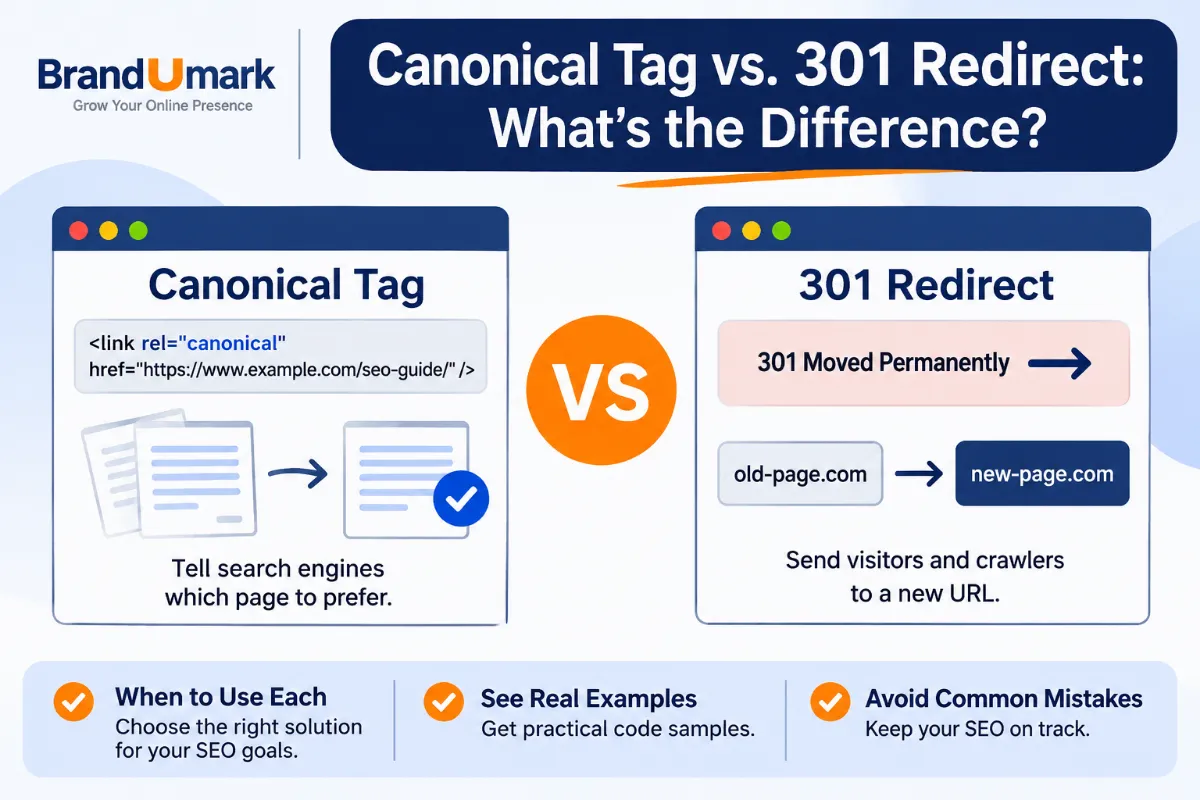
Use Google Search Console to inspect key URLs and review indexing reports. Confirm that important pages are not blocked by robots.txt, marked with an unintended noindex directive, or pointing to an incorrect canonical URL. Submit an accurate XML sitemap and keep it updated.
Check that redirects lead to the correct destination and that deleted location pages do not leave broken internal links. A page can be technically accessible yet still be low-value or unsuitable for indexing, so review the content as well.
Mobile experience and page performance
Test the website on an actual phone. Check whether the phone number is easy to tap, forms are usable, text is readable, and important information appears without excessive scrolling. Test key landing pages with PageSpeed Insights and investigate significant performance problems.
LocalBusiness structured data
LocalBusiness structured data can help Google understand details such as a business’s address, opening hours, and other supported information. Use the most specific appropriate business subtype and ensure that the markup matches visible, accurate page content.
Structured data does not guarantee a rich result or higher rankings. Validate the markup, fix errors, and keep it synchronized when business information changes. See Google’s official Local Business structured data documentation for supported properties and eligibility requirements.
Check the site’s basic trust and usability
- HTTPS works across the site and important pages load without security warnings.
- Navigation makes service and location information easy to find.
- Contact information is visible and consistent on relevant pages.
- Images have descriptive file names where useful and meaningful alt text when they convey information.
- Pages have descriptive titles and a clear heading structure.
- Forms, booking links, and click-to-call links work on mobile.
Local SEO Audit Tools
You do not need an expensive platform to complete a useful first audit. Start with Google’s own tools, then add specialist software when you need wider citation tracking, local rank grids, or competitor research.
| Tool | Best use | What to check |
|---|---|---|
| Google Business Profile | Business listing management | Profile details, categories, hours, reviews, photos, and customer actions. |
| Google Search Console | Organic search performance | Queries, clicks, impressions, indexing, and page-level issues. |
| Google Analytics | Website engagement and conversions | Organic landing pages, calls or form events when configured, and lead journeys. |
| Google Maps and Search | Manual local visibility checks | Search appearance, map placement, competitor profiles, and customer-facing details. |
| PageSpeed Insights | Performance testing | Mobile and desktop performance diagnostics and Core Web Vitals field data when available. |
| Ahrefs or Moz | Links and broader SEO research | Referring domains, competitor pages, and opportunities for relevant local mentions. |
| Local rank tracking software | Geographic visibility monitoring | Visibility across a grid of locations and selected search terms. |
Google Search Console is available at Google Search Console, and Google Analytics can help measure website activity when events are configured correctly. For additional research options, see BrandUmark’s guides to SEO tools for small businesses and SEO audit tools.
Prioritize Findings and Build an Action Plan
An audit is only useful when it changes what the business does next. Group findings by impact, effort, and risk. Fix inaccurate customer-facing information before spending time on minor formatting issues.
Use a simple prioritization model
| Priority | Typical finding | Next step |
|---|---|---|
| High | Wrong phone number, incorrect address, suspended or unverified profile, important page not indexable. | Resolve immediately and confirm the correction. |
| Medium | Weak service page, missing relevant category, outdated hours, inconsistent major directory listing. | Assign an owner and complete within the next few weeks. |
| Ongoing | Review generation, local content, community links, photo updates, and competitor monitoring. | Build into a repeatable monthly process. |
Example 30-day local SEO audit plan
Week-by-week implementation
- Week 1: Accuracy. Verify profile access, correct business details, check hours and categories, and test contact links.
- Week 2: Website. Improve the main service page, fix weak location pages, review titles and headings, and test mobile enquiries.
- Week 3: Reputation and citations. Correct priority directory listings, create a compliant review request process, and respond to outstanding reviews.
- Week 4: Measurement. Record baseline visibility and conversions, inspect Search Console, review competitors, and assign recurring tasks.
Track outcomes, not just rankings
Choose a small set of metrics that connect local visibility to business results. Useful measures include Google Business Profile calls and direction requests, website phone clicks, completed enquiry forms, bookings, qualified leads, organic clicks to local pages, and local search visibility for a stable keyword set.
Record a baseline before making changes. Compare similar periods where possible and annotate major changes, such as a new branch, a website migration, a seasonal campaign, or revised opening hours. This makes it easier to understand why results moved.
Be careful with attribution. A customer may discover a business in Maps, return later through a branded search, and then call directly. Analytics tools do not always capture the full journey, so combine platform reports with call tracking, CRM records, and staff feedback where appropriate.
Common Local SEO Audit Mistakes
Some audit recommendations can create more problems than they solve. Watch for these common mistakes:
- Keyword-stuffing the business name: Use the real-world business name. Put categories, services, and location details in their appropriate fields.
- Creating fake locations: Do not use virtual offices, borrowed addresses, or unstaffed locations to target extra towns.
- Publishing doorway pages: Avoid dozens of thin location pages that offer no distinct value to visitors.
- Buying reviews: Build a genuine review process and never reward customers for positive sentiment.
- Chasing every directory: Prioritize relevant, trustworthy platforms instead of submitting to hundreds of low-quality sites.
- Ignoring mobile conversion paths: A strong ranking is less useful if customers cannot call, book, or submit a form easily.
- Measuring only one ranking: Review visibility across multiple relevant queries and locations, plus real enquiries.
- Changing too many things at once: Document changes so you can identify which work may have influenced results.
A local SEO audit should improve accuracy, relevance, customer experience, and measurement. It should not encourage shortcuts that misrepresent the business or attempt to manipulate search systems.
Conclusion: Turn Your Local SEO Audit into Action
A consistent local SEO audit helps you understand why customers may not be finding your business and where to focus your effort. Begin with accurate business information, then strengthen your website, reviews, citations, local relevance, and technical foundations.
You do not need to fix every issue in one day. Start with errors that confuse customers or prevent important pages from appearing, then build a repeatable process for improvements and measurement.
- Check your Google Business Profile. Verify ownership and confirm your name, location, categories, hours, services, and contact details.
- Audit your key website pages. Improve service information, genuine location content, internal links, mobile usability, and conversion paths.
- Clean up your business information. Correct important directory listings and remove or resolve duplicates.
- Strengthen reputation and local authority. Ask real customers for honest reviews and build relevant community relationships.
- Measure and repeat. Track calls, leads, bookings, organic traffic, and local visibility, then review progress monthly.
Frequently Asked Questions
1. What is included in a local SEO audit?
A local SEO audit reviews your Google Business Profile, local keyword visibility, website pages, business citations, reviews, competitors, technical SEO, and conversion tracking. The goal is to identify issues that affect local discovery and customer enquiries.
2. How often should I perform a local SEO audit?
Run a detailed audit at least every six to twelve months, and review key profile details, reviews, and performance monthly. Audit sooner after a move, rebrand, website redesign, new branch opening, or major change in services.
3. How much does a local SEO audit cost?
The cost depends on the number of locations, website size, competition, and whether the work includes tools, citation cleanup, or implementation. A small business can complete an initial checklist internally, while a multi-location company may need specialist analysis and reporting.
4. Can I do a local SEO audit myself?
Yes. You can check your Business Profile, website, reviews, directories, and Search Console data using free tools. Specialist software can save time when you need location-grid rank tracking, larger citation audits, or deeper competitor analysis.
5. What are the main local SEO ranking factors?
Google says local results are mainly based on relevance, distance, and prominence. Your audit can improve the accuracy and relevance of your business information and strengthen legitimate prominence signals, but you cannot control the searcher’s distance from your business.
6. Does a Google Business Profile improve local SEO?
A complete and accurate Business Profile helps Google understand your business and gives customers useful information in Search and Maps. It is an important part of local visibility, but it does not guarantee a particular ranking or replace a useful website.
7. Are local citations still important?
Accurate listings on relevant, trusted websites help customers find correct business information and support a consistent online presence. Focus on quality and accuracy rather than building large numbers of low-value directory links.
8. How do I measure whether local SEO improvements are working?
Track local visibility alongside calls, direction requests, website enquiries, bookings, qualified leads, and organic traffic to relevant pages. Compare consistent periods and remember that ranking positions can vary by search location and query.