A strong programmatic SEO strategy can help a business serve thousands of specific search needs without writing every page from scratch. It is often used for directories, marketplaces, travel sites, software comparison pages, local service databases, and ecommerce catalogs.
But programmatic SEO is not simply a way to generate hundreds of keyword-swapped pages. It works when a repeatable page format can answer many closely related questions with accurate data and a genuinely helpful experience. Poor execution creates thin pages, duplicate content, crawl waste, and a difficult site to maintain.
This guide explains how to plan, build, and scale programmatic SEO responsibly, with examples, page templates, quality controls, and a practical launch roadmap.
Table of Contents
- What Is Programmatic SEO?
- When Programmatic SEO Makes Sense
- The Programmatic SEO Strategy Framework
- Data, Templates, and Page Architecture
- Keyword Research and Page Mapping
- How to Make Every Page Useful
- Technical SEO for Pages at Scale
- A 90-Day Launch Plan
- Measure Results and Improve
- Common Programmatic SEO Mistakes
- Conclusion
- FAQs
What Is Programmatic SEO?
Programmatic SEO (often called pSEO) uses structured information, page templates, and a publishing system to create a large set of pages that target related search intents. Each page is generated from a distinct record or combination of records, such as a location, product, category, service, or dataset.
For example, a rental marketplace might create useful pages for “apartments in Austin,” “pet-friendly apartments in Austin,” and “studio apartments in Austin.” A data-backed page can show available listings, relevant filters, neighborhood information, and current details rather than repeating the same generic paragraph with a city name changed.
How the system works
- Search demand: People ask a recurring set of related questions.
- Structured data: Your database contains facts that answer those questions.
- Page template: A consistent layout presents the right facts and useful context.
- Quality rules: Pages are published only when data and user value meet a standard.
- Feedback loop: Search and conversion data guide improvements and new page groups.
The key distinction is that the template is repeatable, but the page should not be interchangeable. A useful programmatic page contains information, tools, or decisions specific to its subject.
When Programmatic SEO Makes Sense
Programmatic SEO is most suitable when a business has a large, structured inventory or a repeated user task. It is not automatically the right approach for every blog or service website.
| Good fit | Weak fit |
|---|---|
| Thousands of products with distinct attributes | Many keyword variations with no unique information |
| A directory with verified businesses or providers | Location pages that only replace the city name |
| Searchable datasets, calculators, or comparison tools | Pages that repeat broad advice with no additional utility |
| Consistent inventory or data feeds that can be maintained | Outdated data with no owner or refresh process |
| Clear user intent and a logical page family | Keyword lists created only to increase URL count |
Before building, ask whether users would still find the page valuable if they arrived directly from a bookmark. If the answer is no, the page likely needs stronger data, functionality, or a more specific purpose.
The Programmatic SEO Strategy Framework
Step 1: Start with a user problem, not a URL target
Define the repeated task your pages will help people complete. Examples include finding a service in a location, comparing software for a use case, checking compatibility between products, or exploring a dataset by category.
Write a one-sentence value proposition for the page family: “This page helps [audience] decide or do [task] using [specific data or functionality].” If you cannot describe the value beyond the keyword, do more research before scaling.
Step 2: Identify the page dimensions
Most pSEO projects are built around a few dimensions. A travel site might use destination, travel month, and activity. A B2B directory might use industry, company size, and location. The combination creates page candidates, but not every possible combination deserves an indexable page.
Keep the dimensions limited to those that change the user’s decision. Adding dozens of filters can create a massive URL space without adding meaningful value.
Step 3: Validate demand and search intent
Use keyword research to estimate demand, then manually inspect search results for representative queries. Look for recurring result formats, the kinds of pages ranking, and whether searchers want a list, comparison, calculator, product, or explanation.
Group queries by intent instead of creating one page per phrase. Several keywords may belong on the same page if they ask for essentially the same answer. This prevents unnecessary cannibalization and duplicate pages.
Step 4: Prove the page format with a small pilot
Build a small set of pages across different data records and test them with real users or internal reviewers. Check whether the template provides the correct facts, handles missing data, answers the search intent, and offers a useful next action.
Step 5: Expand by quality-qualified clusters
Once the pilot is sound, expand to the next group of records that meets your quality criteria. Avoid launching every possible combination at once. New page groups should have a clear search purpose, enough reliable data, and a distinct reason to exist.
Data, Templates, and Page Architecture
Build a reliable source of truth
Structured data is the foundation of programmatic SEO. Depending on the site, it may come from your own database, product catalog, partner feed, public dataset, verified submissions, or a maintained editorial source.
Document the source, field definitions, update frequency, and responsible owner. Check licensing and permitted use before importing third-party data. A large dataset is not useful if it is inaccurate, stale, or legally unsuitable for publication.
| Data field | Example | Quality check |
|---|---|---|
| Primary entity | Business, product, destination | Stable ID and correct name |
| Key attributes | Price, category, location, specs | Valid format and current value |
| Distinctive detail | Availability, compatibility, feature | Verified and useful to intent |
| Source metadata | Provider and updated date | Traceable source and refresh policy |
| Page eligibility | Minimum records or completeness | Meets indexable-page threshold |
Design a page template that serves the intent
A good template has a consistent structure but flexible components. It should display the most important information near the top, explain relevant context, and help the visitor compare, filter, calculate, or take action.
Example: “Best CRM for [industry]” page template
- Clear heading and short answer for the industry-specific use case.
- Comparison table with relevant CRM features, pricing source, and fit.
- Industry-specific requirements and workflow considerations.
- Pros, limitations, and selection criteria based on verified product data.
- Useful filters, related categories, and links to deeper reviews.
- Last verified date and a way to report incorrect information.
Do not force every page to contain identical sections. If a data record lacks a meaningful feature, omit that component or prevent the page from being published until it meets the required standard.
Create clear page families and URL patterns
Use descriptive, stable URLs that reflect the page type and subject. For example, a directory could use /providers/accounting/toronto/ or a marketplace could use /laptops/under-800/. Choose a pattern that is easy for users and maintainers to understand.
Keep one preferred URL for each page. Avoid unnecessary parameter variations, session IDs, and alternate paths that show the same content. Google recommends consistent URL patterns and clear canonical signals for duplicate or similar URLs.
Keyword Research and Page Mapping
Programmatic keyword research should define page groups, not simply produce a huge spreadsheet of phrases. Start with a seed topic and identify the meaningful modifiers users apply, such as location, category, price range, feature, audience, or task.
Build a keyword-to-page matrix
For each query cluster, record the dominant intent, proposed page type, required data, and whether the page deserves indexation. This helps teams avoid creating multiple pages for near-identical queries.
| Query cluster | Page type | Unique value needed |
|---|---|---|
| “accountants in [city]” | Location directory | Verified providers, services, contact details |
| “[product] compatible with [device]” | Compatibility page | Tested or documented compatibility data |
| “[tool] alternatives for [use case]” | Comparison page | Relevant selection criteria and accurate comparisons |
| “cost of [service] in [region]” | Cost guide or calculator | Transparent assumptions and local price evidence |
Estimate demand using several signals: keyword tools, Search Console for existing pages, customer questions, internal site search, and search-result patterns. Search volume alone does not prove that a page will attract qualified visitors or convert.
How to Make Every Page Useful
Page quality is the main scaling constraint. A template can create pages quickly, but it cannot create trustworthy facts or meaningful differences if the underlying data is weak.
Use a minimum quality threshold
Define a checklist before publishing. A page might require a minimum number of verified records, complete critical fields, a clear user task, useful unique content, working navigation, and no unresolved technical errors. The exact threshold depends on the page type; do not invent a universal word count.
- Does the page answer a distinct search intent?
- Does it contain information not duplicated across the entire page family?
- Are the facts accurate, sourced, and sufficiently current?
- Can a visitor compare options or complete a meaningful task?
- Does the page avoid empty sections, placeholder copy, and misleading claims?
- Is there a sensible next step for the user?
Add value beyond the database fields
Useful differentiation may come from a live inventory, an interactive filter, a calculation, original observations, verified reviews, expert interpretation, availability, or clear comparisons. It does not have to be a long essay. It must be something that helps the visitor make progress.
For example, a page listing “web design agencies in Manchester” should do more than show agency names. It could include verified service specialties, project-size fit, location details, portfolio links, and a useful way to compare providers.
Technical SEO for Pages at Scale
Crawlability and internal linking
Every important indexable page should be reachable through crawlable links from relevant category or hub pages. Do not rely only on a sitemap or a search form that crawlers cannot use. Organize navigation so visitors and search engines can understand the relationship between page families.
Build category pages that link to the most useful child pages, and connect related pages where the relationship genuinely helps users. Avoid generating a massive number of links to low-value combinations from every page.
Indexation and canonicalization
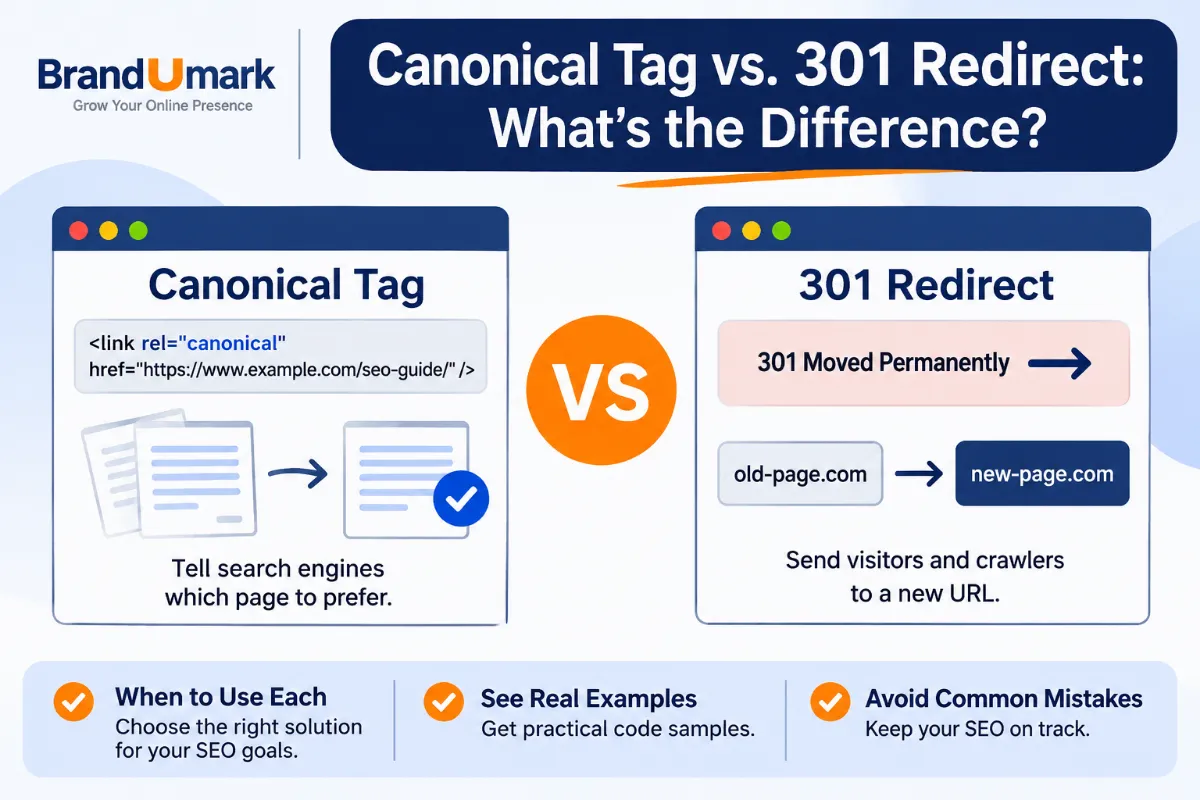
Index only pages that meet your quality threshold and have a distinct purpose. Use canonical tags to consolidate duplicate or very similar URL variants where appropriate, and keep internal links and sitemap URLs consistent with the preferred version.
Do not use canonical tags as a substitute for deciding whether a page should exist. If a filtered URL has no independent value, prevent it from becoming an indexable landing page and manage crawl paths carefully.
Manage faceted navigation
Filters can create enormous numbers of URL combinations, especially when visitors can combine color, size, brand, price, sorting, and availability. Most combinations will not deserve separate search landing pages.
Decide which filter combinations have real demand and unique value. For the rest, control crawl paths, avoid linking indiscriminately to every combination, and use suitable technical directives or canonicalization based on the site’s behavior. Google documents specific approaches for managing faceted navigation URLs.
Sitemaps and page freshness
Generate XML sitemaps from the pages you want search engines to consider, not every URL the database can produce. Include canonical, indexable URLs and remove pages that are deleted or no longer eligible. Google supports sitemap files with up to 50,000 URLs or 50 MB uncompressed per file; larger sites can use multiple files and a sitemap index.
Update pages when their underlying information changes. Keep dates honest: a page should not appear freshly updated simply because an automated process changed a timestamp without meaningful content changes.
Structured data and performance
Use structured data only when it accurately describes the page and complies with the relevant feature guidelines. It can help search engines interpret information, but it does not guarantee a rich result. Validate templates before applying them across the site.
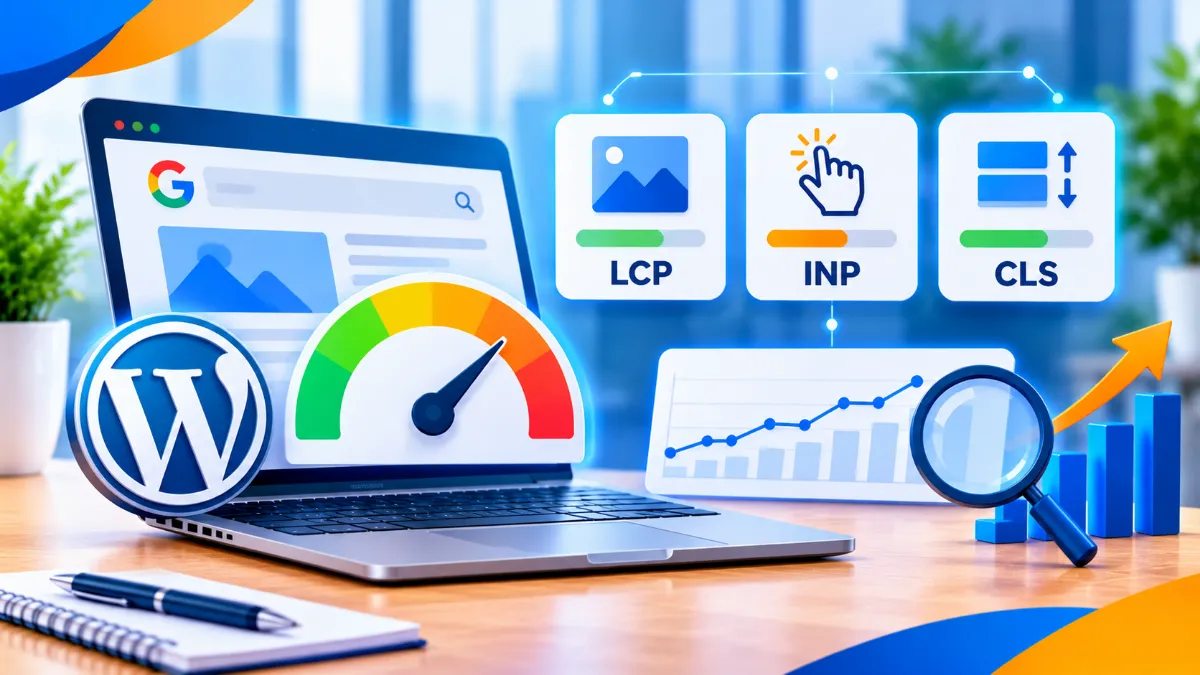
At scale, small template problems multiply. Test mobile layouts, page speed, rendering, status codes, metadata, and structured data across representative records before rollout. Monitor server response times and database queries as page volume grows.
A 90-Day Programmatic SEO Launch Plan
| Period | Focus | Deliverable |
|---|---|---|
| Weeks 1–2 | Audience, intent, dataset, competitor research | Page family brief and keyword map |
| Weeks 3–4 | Data cleanup and template prototype | Working template with quality rules |
| Weeks 5–6 | Pilot pages, user review, technical testing | Small, validated page set |
| Weeks 7–8 | Internal linking, sitemap, monitoring setup | Launch checklist and reporting dashboard |
| Weeks 9–10 | Expand only eligible records | Controlled rollout of next cluster |
| Weeks 11–12 | Review indexing, engagement, and conversions | Scale, revise, consolidate, or pause decision |
This timeline is a planning model, not a promise that pages will be indexed or rank within 90 days. Crawl and indexing timelines vary. Keep the launch deliberately small enough that the team can inspect quality and fix the template quickly.
Measure Results and Improve
Track the performance of each page family separately. A site-wide traffic increase may hide a weak template or a large number of pages that receive no meaningful visibility.
Programmatic SEO scorecard
- Coverage: Eligible pages created, published, and linked internally.
- Technical health: Crawl errors, indexation patterns, canonical consistency, and page speed.
- Search visibility: Impressions, clicks, query coverage, and landing-page trends in Search Console.
- User value: Filter usage, comparison actions, outbound clicks, saved items, or other meaningful interactions.
- Business impact: Leads, purchases, qualified visits, or revenue attributed to the page family.
- Data quality: Stale records, reported errors, missing fields, and update completion.
Use Search Console to compare page groups and query patterns, Analytics to understand user behavior and conversions, and a crawl to detect template-wide issues. Review cohorts over time because newly published pages may need different evaluation windows than established pages.
When a page family performs poorly, diagnose the cause before generating more URLs. The problem may be low demand, a mismatch with search intent, weak data, poor internal links, indexing issues, or a page experience that does not help users.
Common Programmatic SEO Mistakes
- Launching every permutation: Most combinations are not unique landing pages. Publish only meaningful, quality-qualified clusters.
- Changing only the keyword: City or product name swaps do not create distinct value by themselves.
- Using unreliable data: Incorrect or stale facts damage trust and can make pages useless.
- Ignoring internal links: Orphan pages are difficult for users and crawlers to discover.
- Indexing thin filters: Filter combinations can create duplication and crawl waste.
- Overusing AI-generated text: Generic copy cannot compensate for missing data or usefulness.
- Measuring only rankings: Track qualified engagement and business outcomes, not just position.
- Scaling before testing: A template defect can affect thousands of pages at once.
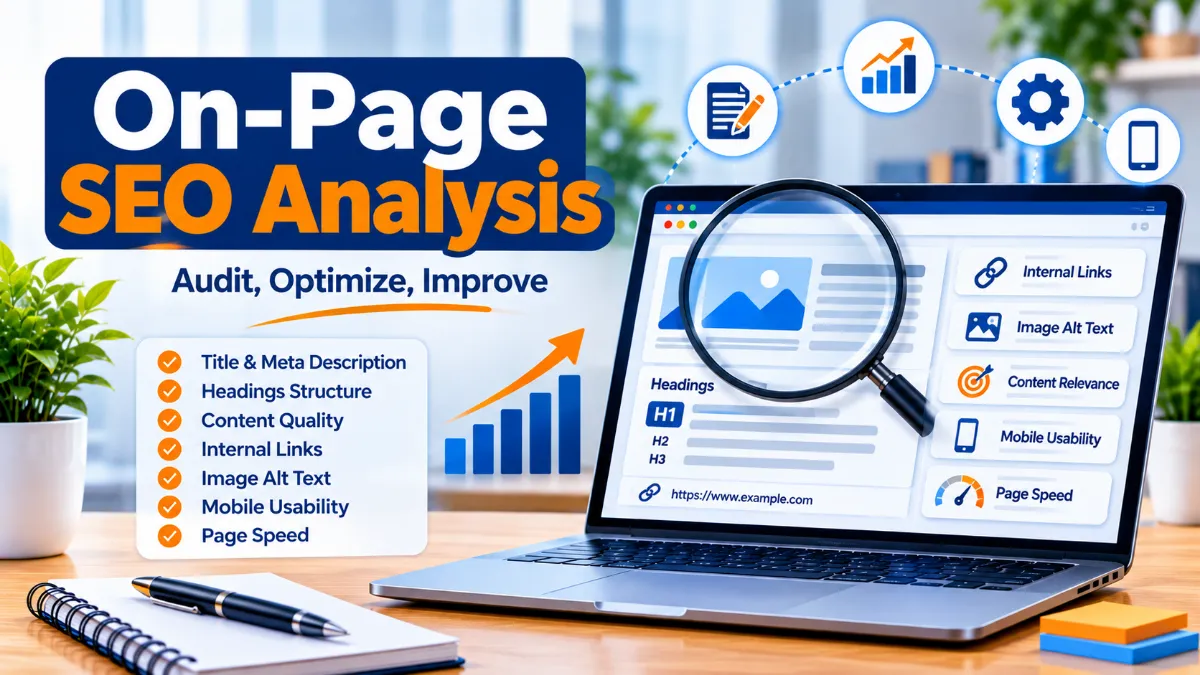
For a broader foundation, review BrandUmark’s guides to SEO strategy, SEO analysis, and SEO audit tools. Programmatic pages still need the same strategic, technical, and measurement discipline as any other SEO asset.
Conclusion
A sustainable programmatic SEO strategy combines search intent, reliable structured data, useful templates, technical controls, and ongoing quality management. The goal is not to publish the largest possible number of pages. It is to create a page system that helps people solve specific problems consistently.
- Choose one repeated user task. Make sure the page family answers a real need.
- Audit your data. Confirm accuracy, rights, completeness, and refresh ownership.
- Build and test one template. Include useful unique information and clear actions.
- Launch a controlled pilot. Check crawlability, indexation, usability, and conversions.
- Scale by evidence. Expand only when the pages are helpful and the workflow is maintainable.
Frequently Asked Questions
1. What is programmatic SEO?
Programmatic SEO creates a set of search-focused pages using structured data and repeatable templates. Each page should address a distinct user need and provide relevant information or functionality.
2. Is programmatic SEO against Google’s guidelines?
No, not inherently. Google warns against scaled content abuse, which means producing many pages primarily to manipulate rankings without helping users. A useful, accurate page system built to serve real search needs is different from mass-produced low-value pages.
3. How many pages should I publish at once?
There is no universal number. Start with a pilot small enough to review manually and validate technical behavior. Expand when data quality, user value, and indexation controls are working reliably.
4. Can AI be used for programmatic SEO?
AI can assist with classification, summaries, drafting, and workflow automation. It should not be used to create large volumes of unverified or repetitive content as a substitute for unique data and user value. Human review and quality controls remain important.
5. Does every programmatic page need a long article?
No. A directory, calculator, comparison table, or inventory page may satisfy intent with concise text and strong functionality. The page should include enough information to help users, not an arbitrary word count.
6. Should all generated pages be indexed?
No. Index pages that have a distinct purpose, sufficient data, and useful content. Thin combinations, empty categories, duplicate filters, and pages that fail your quality threshold should not automatically enter the index.
7. How do I avoid keyword cannibalization?
Cluster keywords by intent and map each cluster to one primary page. If two URLs answer the same question with nearly identical content, consider consolidating them or choosing a single preferred URL.
8. How long does programmatic SEO take to work?
There is no guaranteed timeline. Search engines need to discover, crawl, and evaluate pages, and results depend on competition, site quality, demand, and technical setup. Measure progress in stages rather than promising a fixed ranking date.